PROJECT AURORA — TOOLS

Practical tools for clearer work.

Project Aurora is growing beyond learning. Explore RPAi Systems products for clearer decisions, everyday organization, and simpler automation.

Built by RPAi Systems, the company behind Project Aurora.

RPAi Daily is available now. RPAi Clarity is in private advisor preview, while RPAi Framework and RPAi Station remain in development.

Free planning tool

Estimate the value of a repetitive task.

Use the automation ROI calculator to estimate hours saved, monthly value and payback. It runs locally in your browser and accepts any currency.

Open the ROI calculator
01Learn and Decide

The Framework defines the method. Clarity puts the method into practice.

MethodologyIn development

RPAi Framework

A practical methodology for identifying, evaluating, and shaping automation opportunities around real value.

  • Identify work worth automating
  • Evaluate ideas before investing significant effort
  • Understand value, risk, and readiness
  • Make clearer automation decisions
Decision platformPrivate Advisor Preview

RPAi Clarity

A guided decision platform for automation teams and consultants. It helps structure first-discovery conversations, capture evidence, identify blockers, and generate a client-ready Decision Brief before a project starts.

Explore RPAi ClarityCurrently open to selected advisor-preview users.
02Build and Automate
Desktop automationIn development

RPAi Station

A simple desktop automation product for people who want to remove repetitive computer work without first learning a complex enterprise platform.

Make everyday automation easier and more understandable.
03 — Organize Everyday Work
Local-first productivityAvailable now — free

RPAi Daily

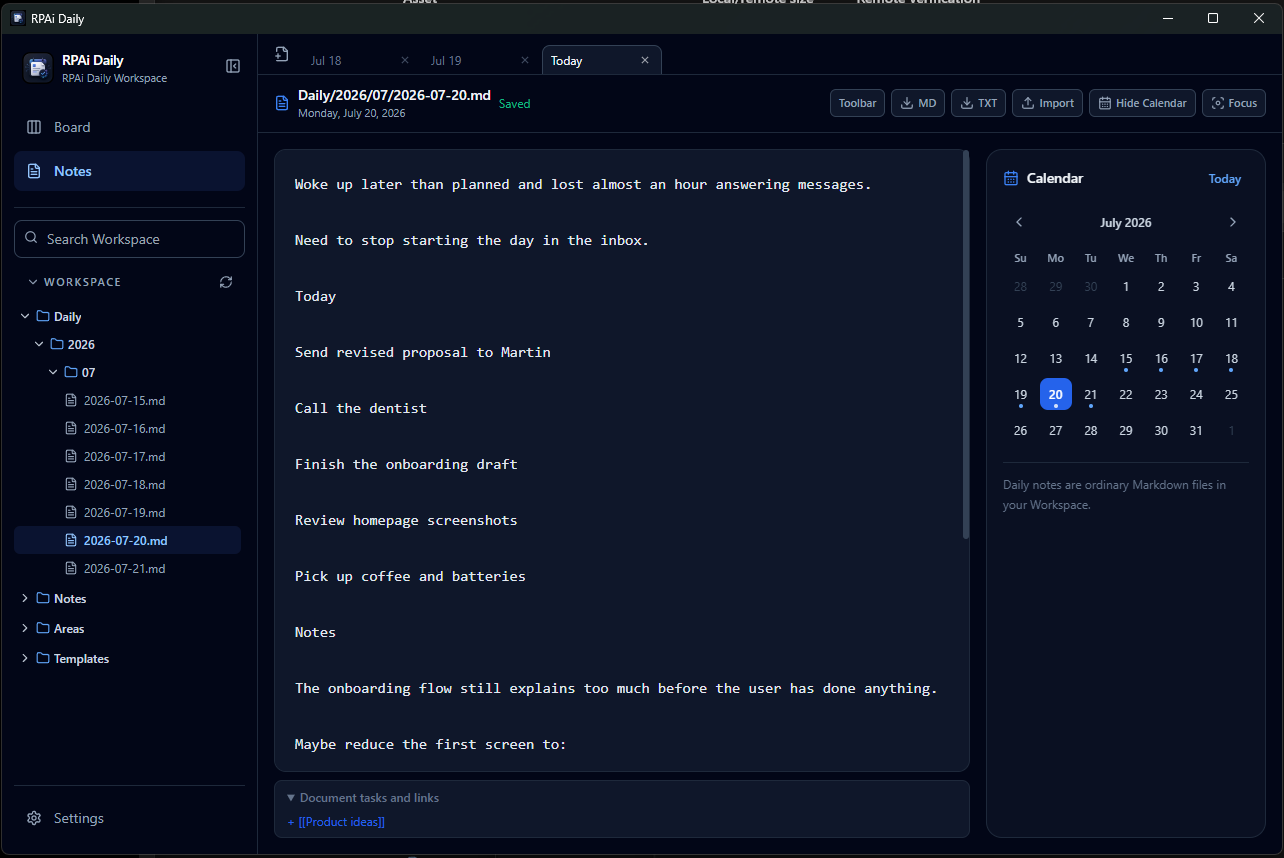
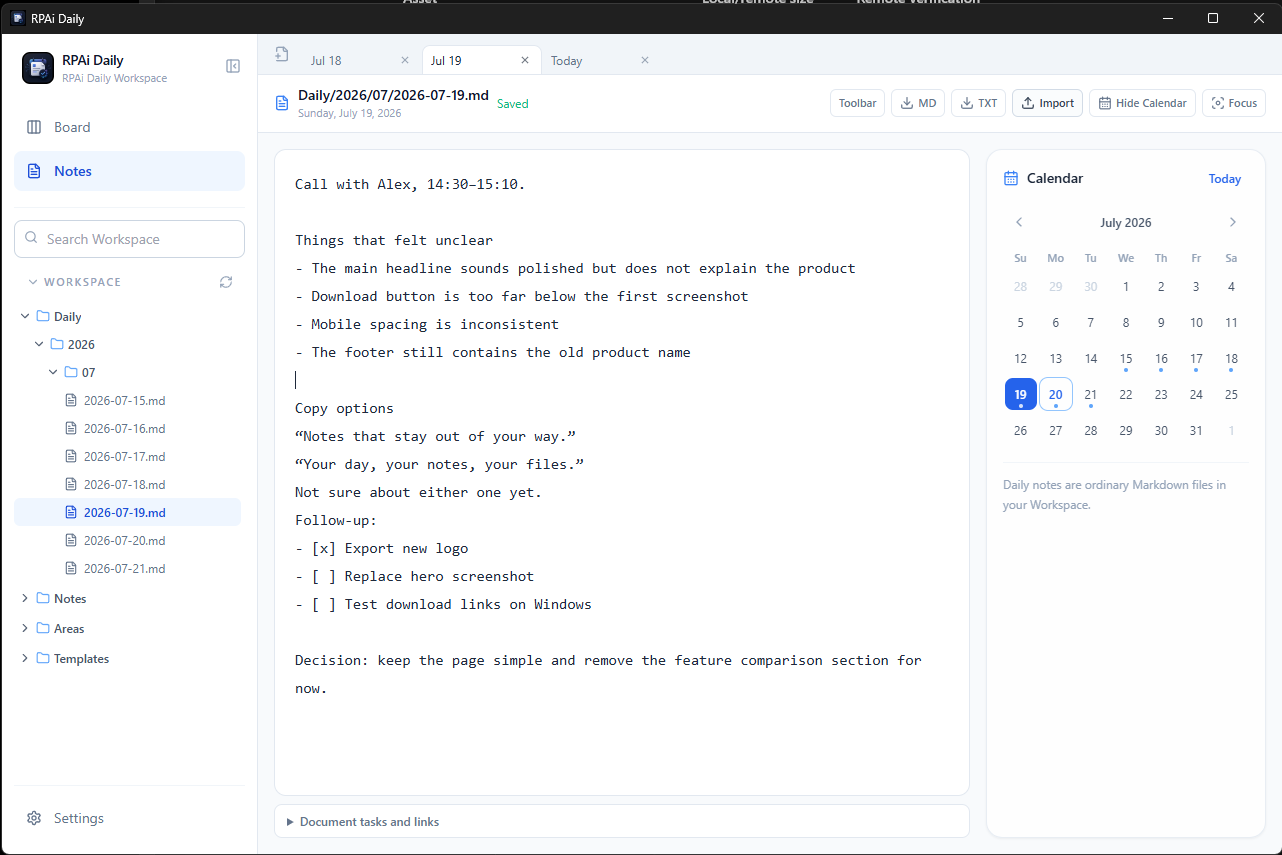
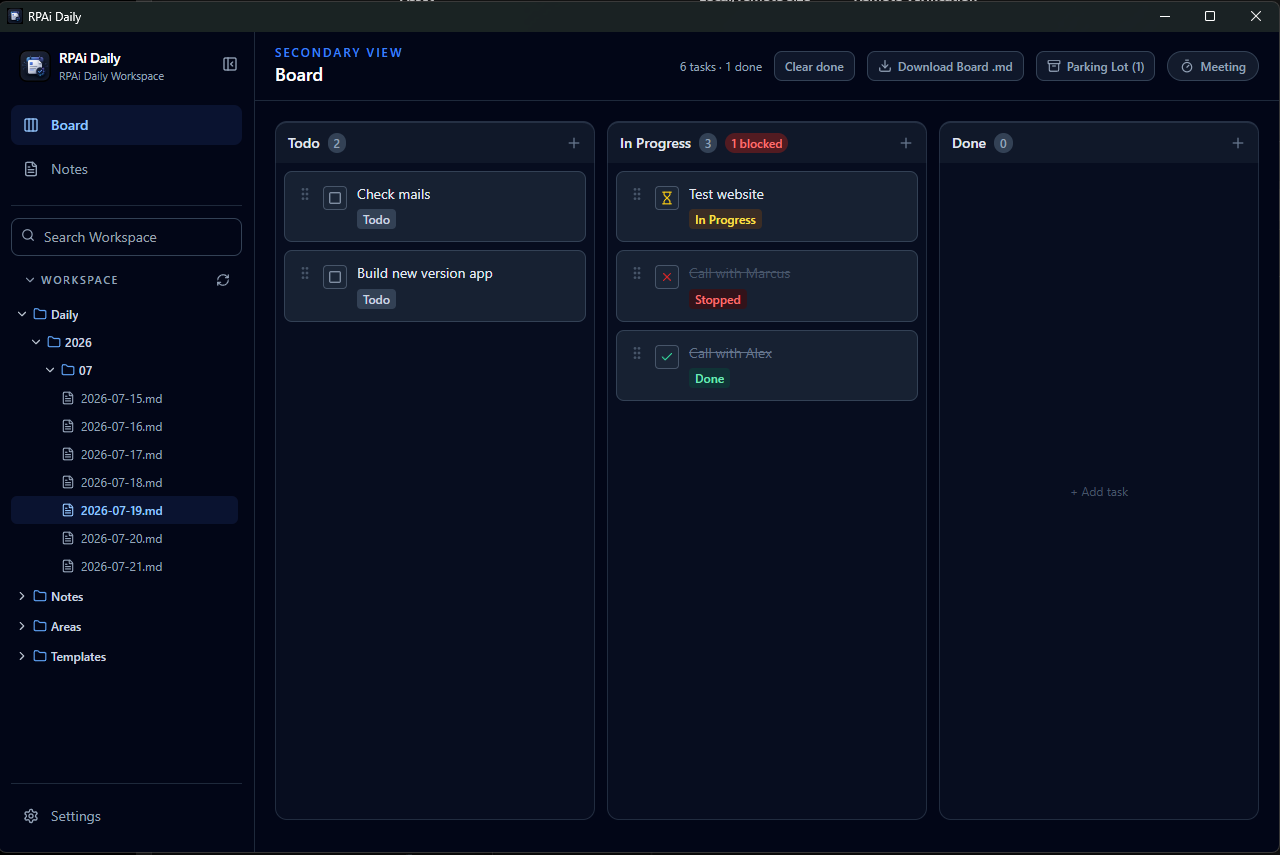
A focused desktop workspace for daily notes, regular notes, and lightweight planning. Your files stay in a local Workspace you choose.

  • Calendar-backed Daily notes
  • Tabbed Markdown notes, search, and nested folders
  • A simple Board with Parking Lot and Meeting mode
  • Local files with no account, cloud, or telemetry

Version 1.0.0 · Free

The macOS build is for Intel Macs. Apple Silicon users may run it with Rosetta 2.

This initial free release is distributed directly by RPAi Systems and is not yet code-signed. Windows or macOS may ask you to confirm the first launch.

Windows first-launch help
  1. Extract the ZIP.
  2. Run rpai-daily.exe.
  3. If SmartScreen appears, select “More info”.
  4. Select “Run anyway”.
  5. If Windows shows an Unblock option in file Properties, enable it.
macOS first-launch help
  1. Extract the ZIP.
  2. Right-click RPAi Daily.app.
  3. Select Open.
  4. Confirm Open.
  5. If it is still blocked, use System Settings → Privacy & Security → Open Anyway.
Checksum details

Compare the SHA-256 value after downloading:

Windows5f8072c5c53c600a01f231f0422a2d2361de5d86f143d897627df03b1b12a54aOpen checksum manifest
macOS — Intelf189192147e417c5cce725392c8243cc58ef049ab85d4307891171e7ffec59eaOpen checksum manifest
04Practical Free Tools
Focused utilitiesPlanned

Aurora Free Tools

Small tools with one clear purpose, planned for evaluating ideas, sketching workflows, working with prompts, and recording decisions.

  • Automation ROI Calculator
  • Process Scoring Sheet
  • Workflow Sketcher
  • Prompt Notebook
  • Meeting Decision Tracker
Learn while we build

Build understanding first.

While the products are being developed, explore the concepts behind automation, AI agents, workflows, and modern digital work.

Explore the learning map