
Record, review, run
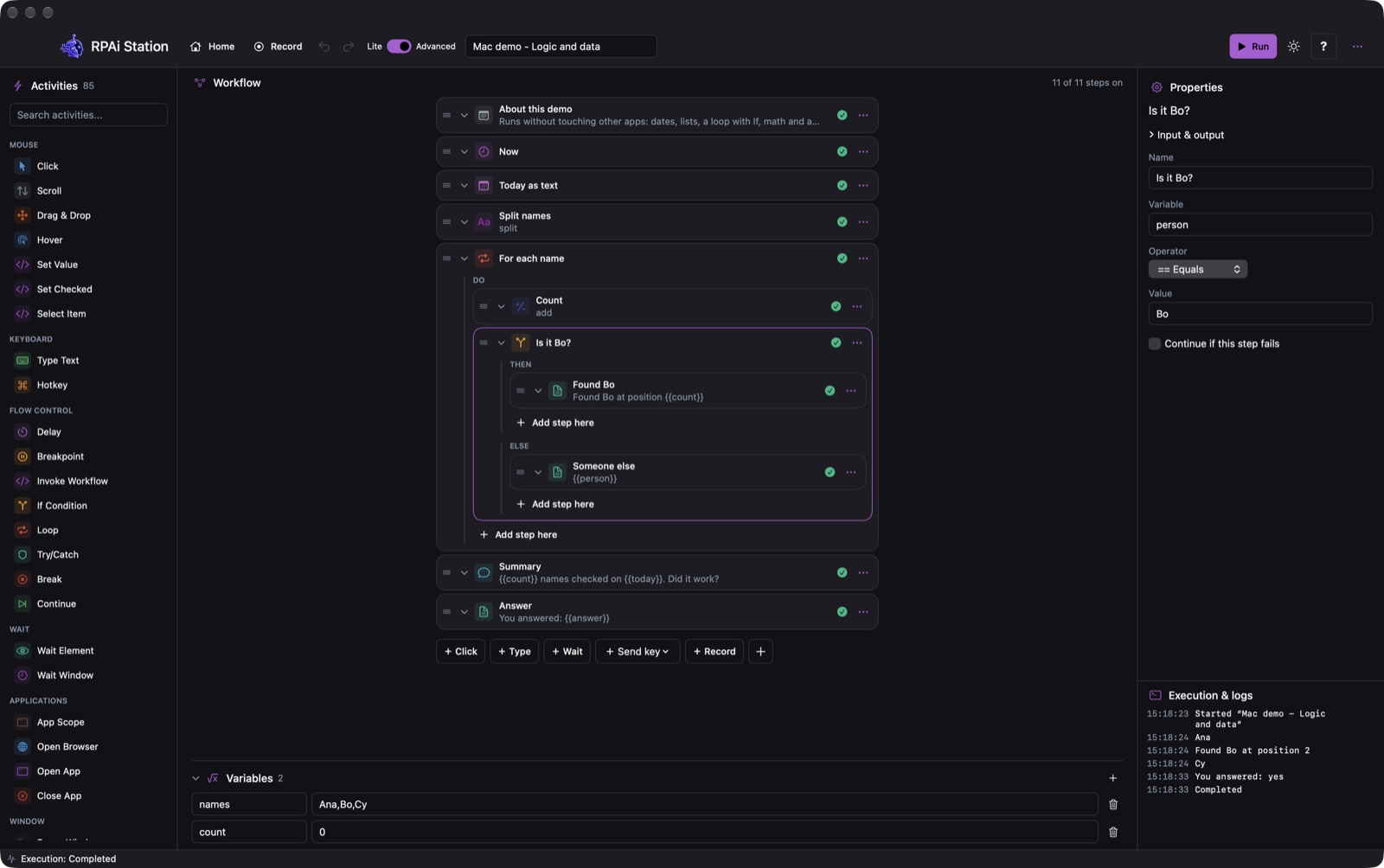
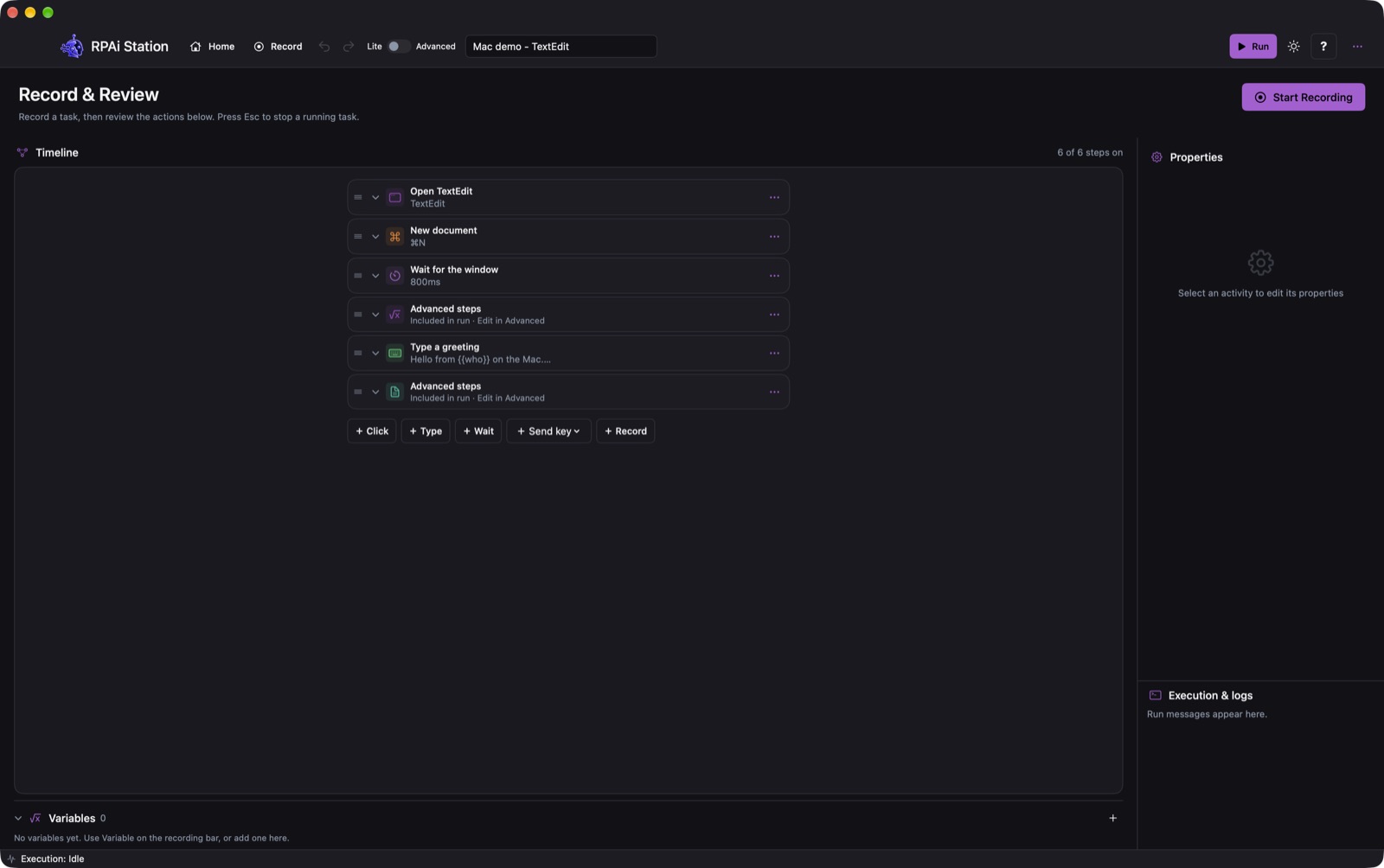
Clicks, typing and shortcuts become readable steps — a whole word is one step, not twenty keystrokes. Review them in Lite and press Run. Esc stops a run at any time.
Desktop automation for Windows and Mac that you can read, edit and trust. Press Record, do the task once, and Station writes it down as clear steps you can review, change and run again.
Early Access price$19.99
Regular price$39.99
Plus applicable sales tax or VAT, added at checkout.
After payment you get a receipt with the Windows installer and the Mac download.
RPAi Station works and all 85 activities are in place, but it is still being finished. You may meet a bug. If you do, write to info@rpa.rs with the steps and the message from Execution & logs — we fix it. That is why the price is half for now.
Clicks, typing and shortcuts become readable steps — a whole word is one step, not twenty keystrokes. Review them in Lite and press Run. Esc stops a run at any time.
If, loops and Try/Catch; variables, lists and tables; Excel, CSV, JSON and files; web pages in the browser; HTTP, SQLite and e-mail; screenshots and text recognition.
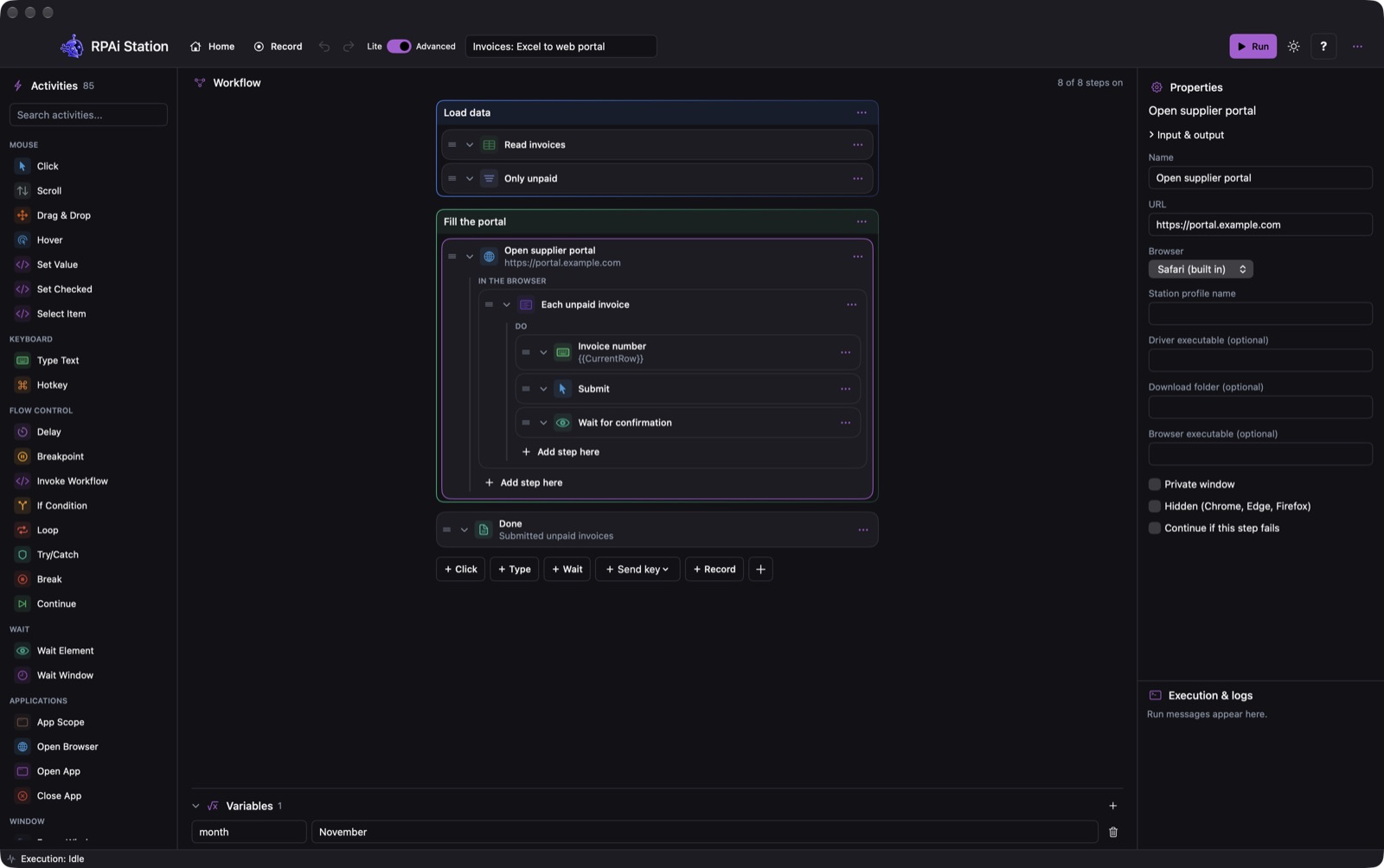
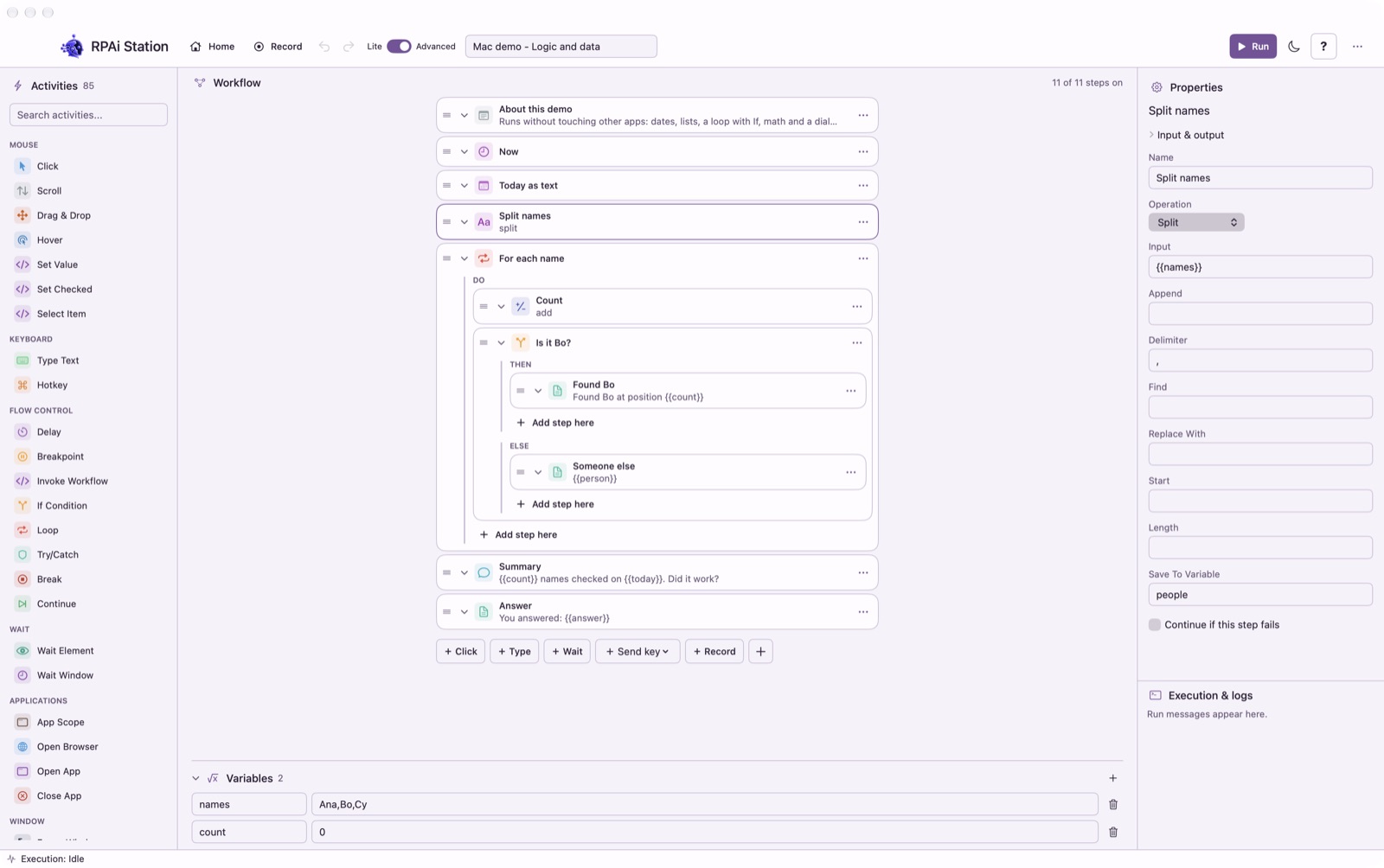
Steps nest inside the step that runs them, colour groups keep long workflows tidy, and breakpoints pause a run so you can look at the values.
Type a variable into a field while recording and Station saves {{name}} — the same workflow runs again with different data.
A workflow is a plain .station.json file. Make it on Windows, open it on a Mac, and the other way round.
No account, no cloud, no tracking. Workflows and history stay on your computer; passwords come from Credential Manager or the macOS Keychain.
A 22-second run on a Mac: the steps tick green, the robot asks a question, the log fills in.
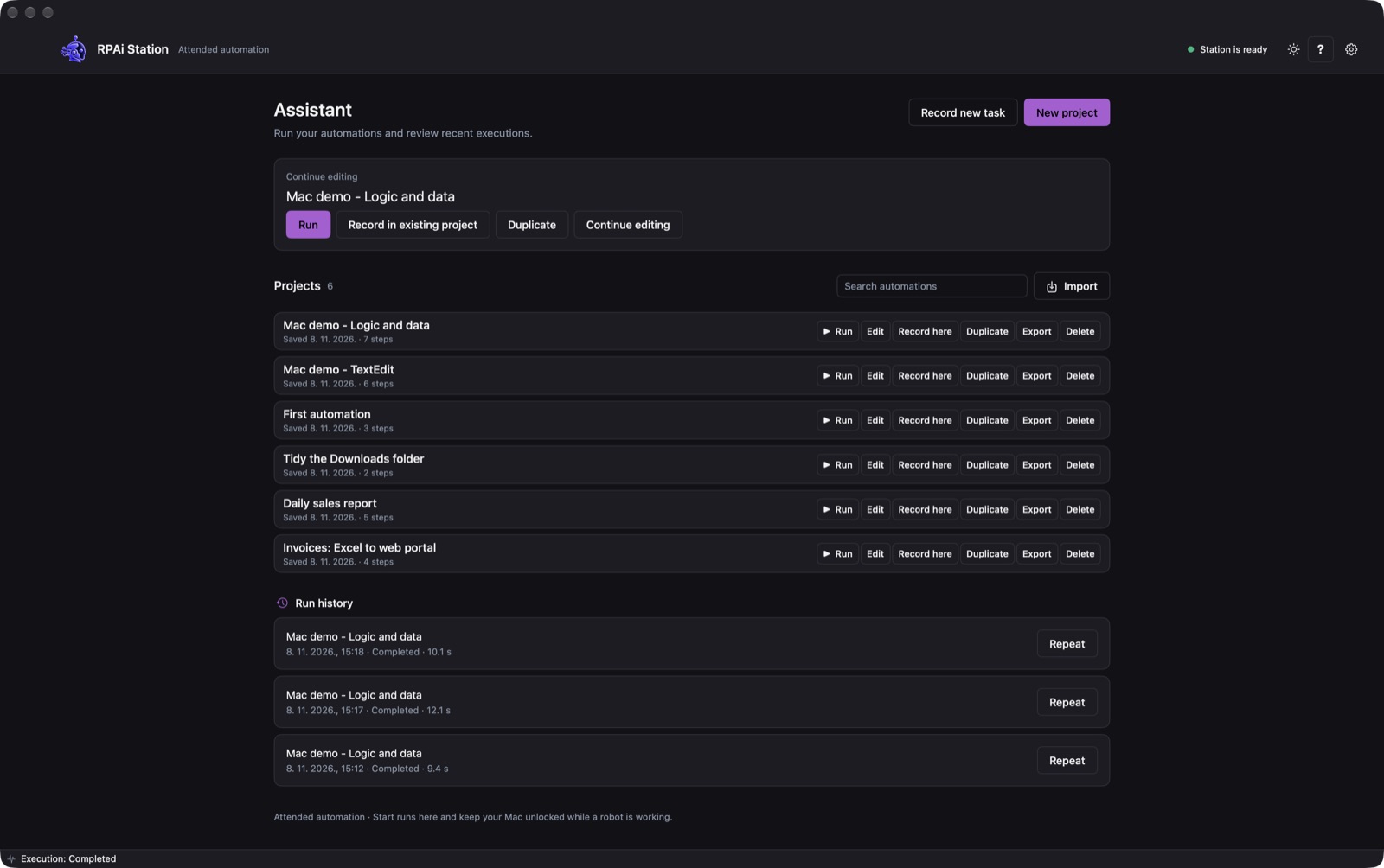
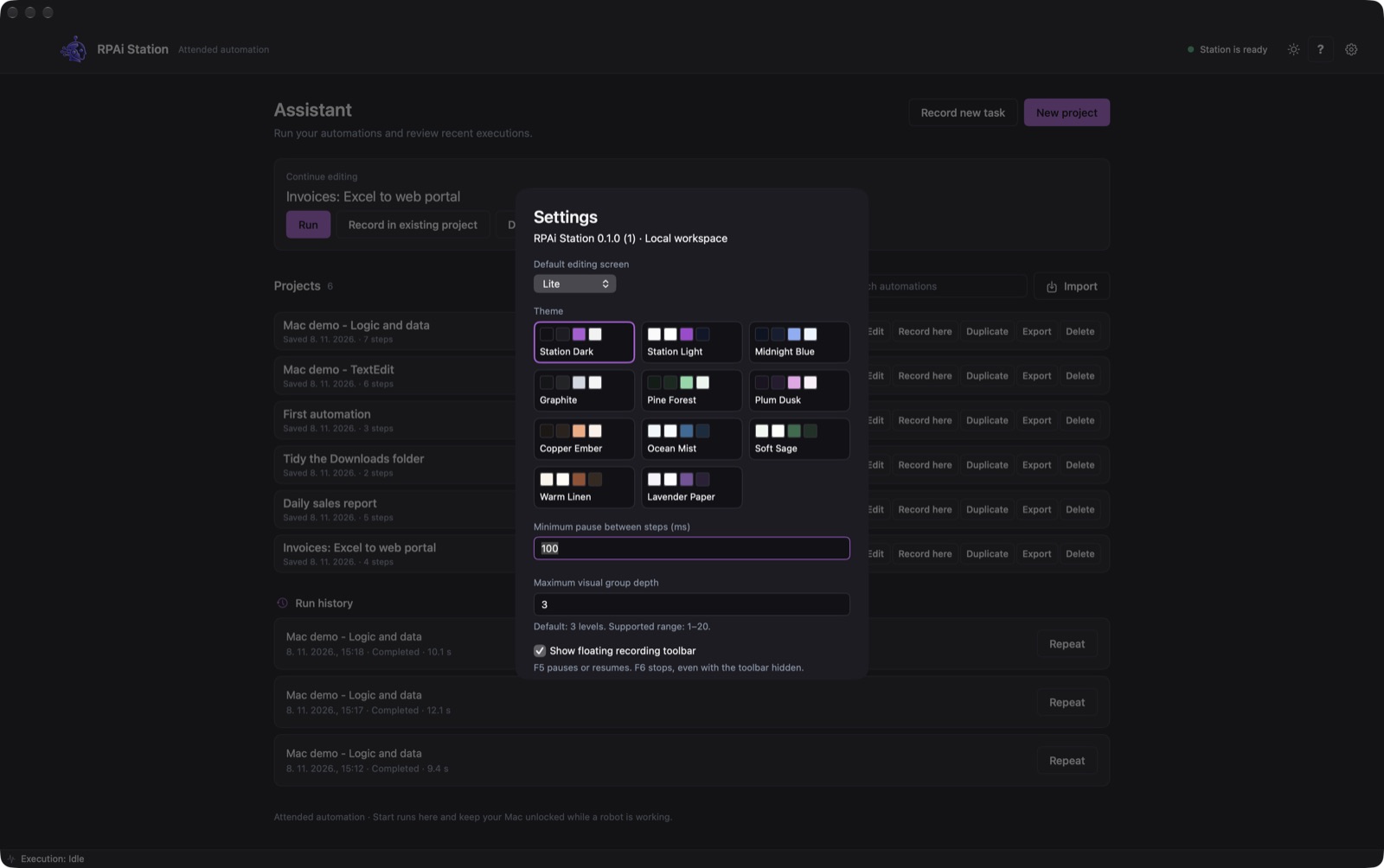
RPAi Station is attended automation: it uses your mouse and keyboard, so keep the computer unlocked while a robot runs.